Restore your family's old photos
Repair faded or damaged pictures, or add color to black-and-white photos. Keep them in family Stories with the names, places, and moments you remember.
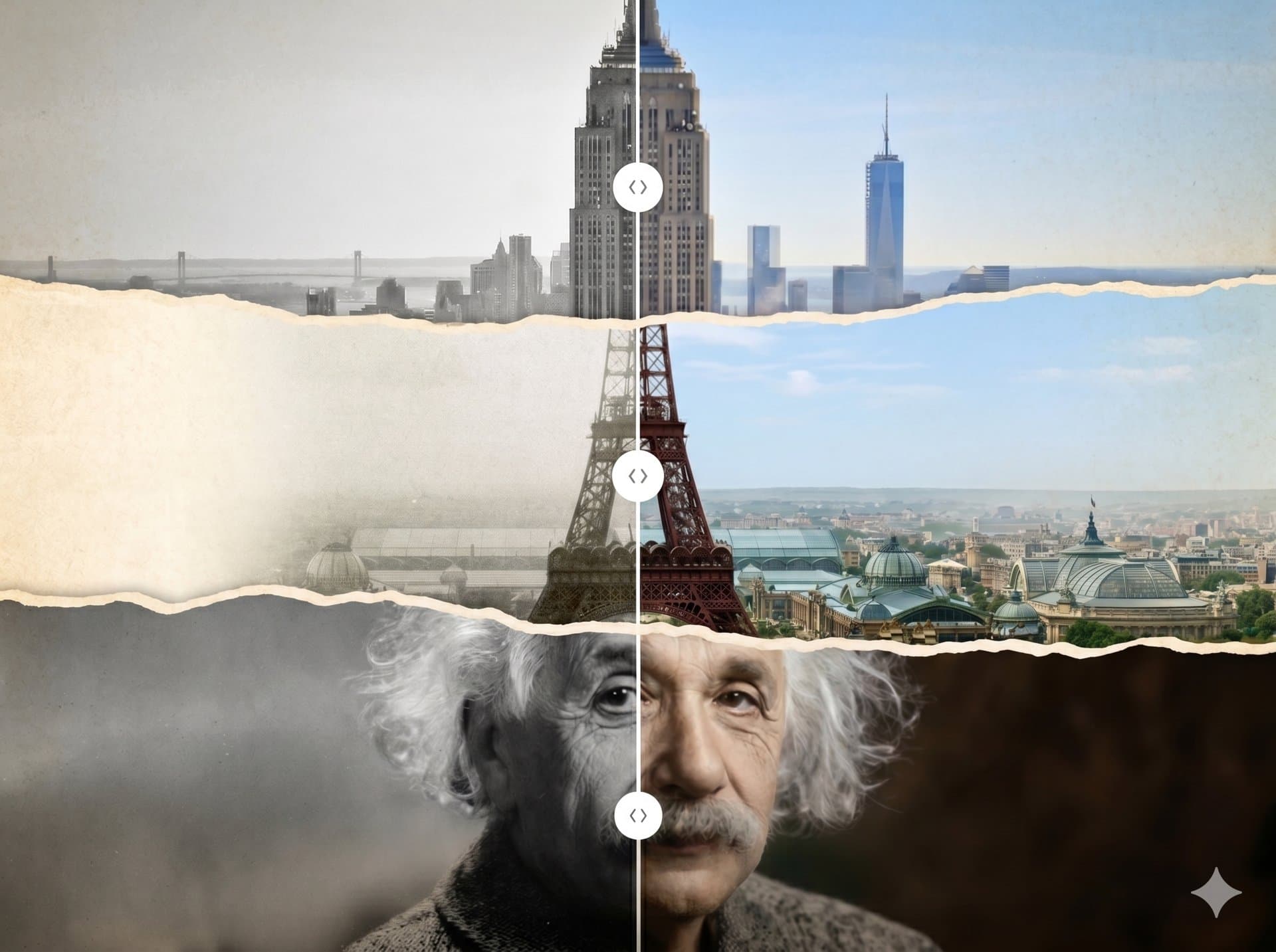
Made for family photos
A home for your photos and their stories
The names and little details matter too. Keep them alongside the photos, where your family can find them.
Repair damaged photos
Repair scratches and tears, reduce fading, and sharpen details in old photos. Choose which repairs to apply before you start.
Add color to old photos
Colorize black-and-white photos in natural, warm, cool, or vivid styles. AI suggests the colors; they may differ from the original scene.
Keep the story with the photo
Group photos into a Story and add who was there, where it happened, and when. Write down the details you'd like your family to remember.
Share with your family
Invite relatives to a Story as viewers or contributors. You choose who can see it and who can add to it.
See the restoration details
View Content Credentials to see how a photo was processed with AI. Compare the restored version with your original.
No editing experience needed
Clear labels and step-by-step screens help you upload and restore photos, even if you haven't used a photo editor before.
How it works
How to restore an old photo
Start with a scan or a photo of the print. Choose what to repair before restoration begins.
Upload your photo
Upload a scan or take a clear photo of the original print. Faded, scratched, or torn photos are a good place to start.
Choose your repairs
Choose whether to repair damage, sharpen details, or add color. You can also describe specific changes you'd like.
Save and share
Compare the result with your original, then save it to a Story. Invite family to view the photos or add their own memories.
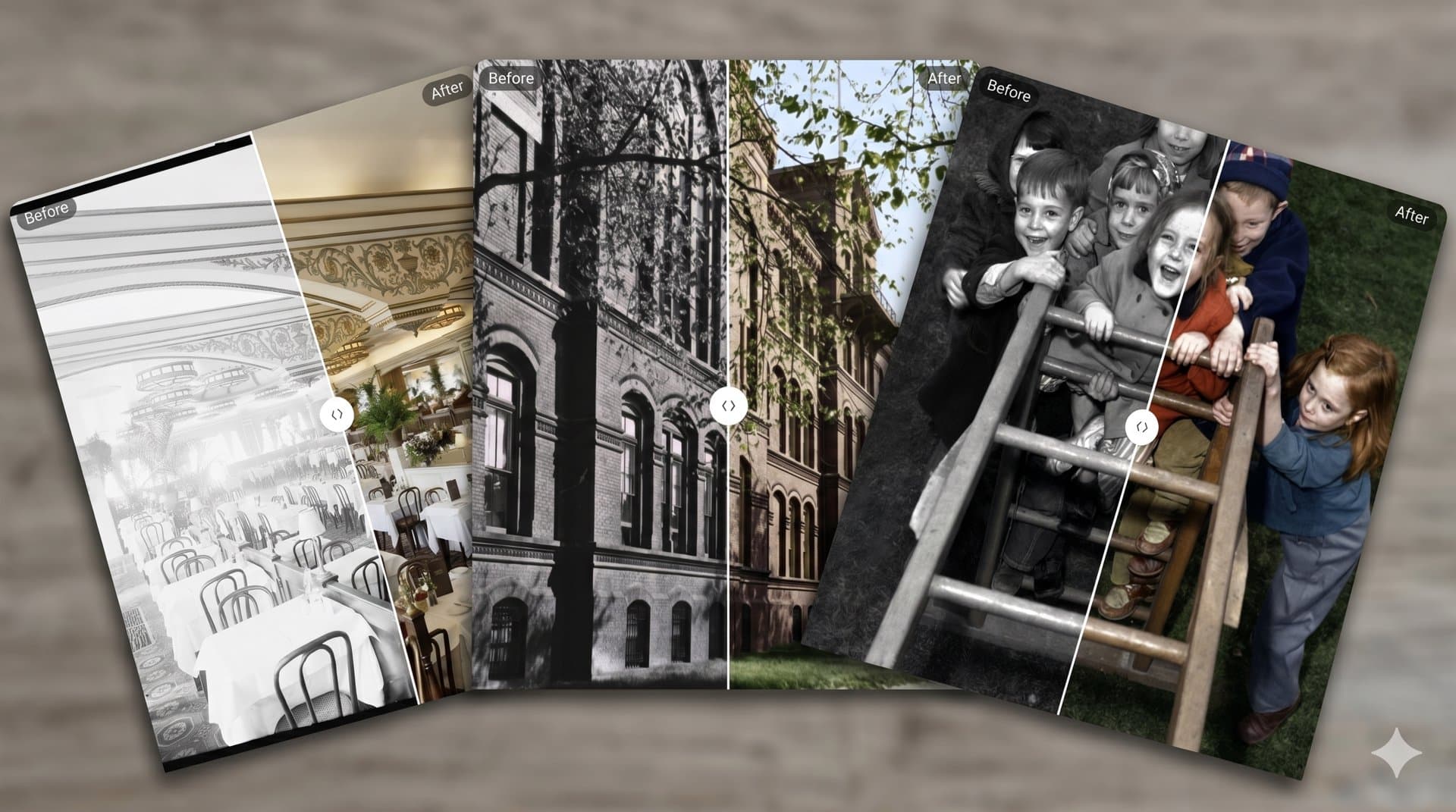
Before and after
Take a closer look at the results
Compare the restored photo with the original to see what's changed. Results depend on the condition of the photo, and AI may interpret details that are hard to see.
- Repair scratches and tears
- Sharpen facial details
- Reduce grain and noise
- Add color to black-and-white photos
Coming to iPhone and Android
We're building mobile apps so you can restore photos and share family stories from your phone or tablet.
Pricing
Photo restoration pricing
Buy credits when you need to restore photos, without a restoration subscription. Need more room for your collection? Add a monthly storage plan.
Storage plans are monthly subscriptions. Credits never expire and can be used anytime.
Start with one family photo
Pick a photo you've been meaning to restore. Create a free account, upload it, and see what you can bring back.
Free credits on signup · No credit card required